


China is one of the world's most cashless societies. From street food stalls to luxury hotels, QR code payments have become the lifeblood of daily transactions. If you're visiting China, you'll quickly discover that nearly every purchase relies on mobile payment. This guide covers everything you need to know — from setting up Alipay and WeChat Pay to using cash, credit cards, and currency exchange.
- The Two Mobile Payment Giants: Alipay and WeChat Pay
China has largely skipped the era of physical payments. Today, the vast majority of transactions happen through just two apps: Alipay and WeChat Pay. They are accepted almost everywhere — restaurants, taxis, supermarkets, hotels, shopping malls, and even small street vendors.
1. Alipay – The Most Foreigner-Friendly Option
Alipay is generally the easiest payment app for international travelers to set up and use. It accepts international cards more smoothly than WeChat Pay and has fewer risk-control restrictions.
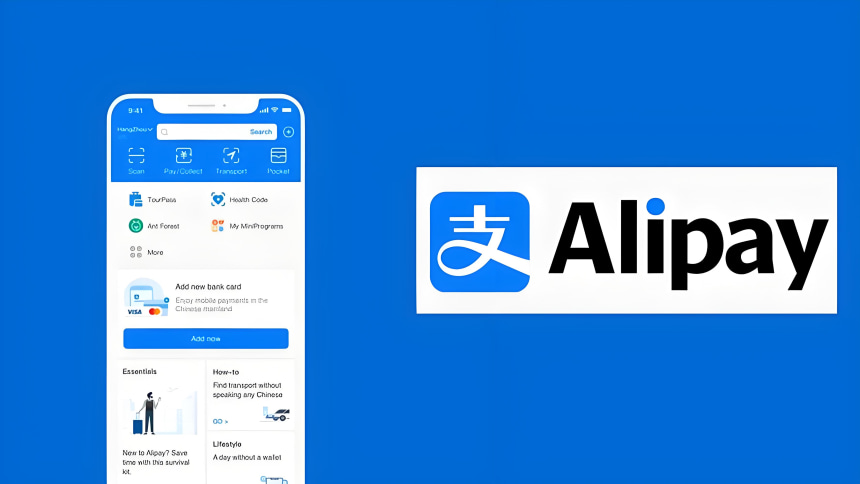
How to set up Alipay:
(1) Download the app – Search for "Alipay" in the Apple App Store or Google Play Store before you depart (Google Play is blocked in China). Choose the International Version for an English interface.
(2)Register with your phone number – Use your home country's mobile number (e.g., +1 for US, +44 for UK). A Chinese phone number is not required.
(3)Complete identity verification – Go to Me → Settings → Account and Security → Identity Information. Fill in your passport details and upload a clear photo of your passport information page, then complete a quick facial scan. Unverified accounts have much lower spending limits.
(4)Add your international card – Go to Me → Bank Cards → Add Card. Supported networks include Visa, Mastercard, American Express, Discover, Diners Club, and JCB.
(5)Set a 6-digit payment password – You'll need this for every transaction.
(6)Test it before you leave – If possible, test a small payment before departure. Sorting out issues at a checkout counter with a queue forming behind you is where trips go wrong.
2. WeChat Pay – The Local Favorite
WeChat is China's everything-app — messaging, social media, and payments all in one. WeChat Pay is accepted at the same enormous range of merchants as Alipay, but the setup process can be slightly more complex for foreigners.

How to set up WeChat Pay:
(1) Download WeChat – Available on both Apple App Store and Google Play Store.
(2)Register with your phone number – International numbers are supported. You may be asked to have an existing WeChat user scan a QR code to verify you during registration.
(3)Enable WeChat Pay – Go to Me → Settings → General → Tools → WeChat Pay, and tap "Enable".
(4)Complete identity verification – Go to Me → Pay and Services → Wallet → ID Info. Fill in your details and submit your passport photo and facial scan. Review usually takes 24–72 hours.
(5)Add your bank card – Go to Me → Pay and Services → Wallet → Bank Cards → Add a Bank Card. Supported cards include Visa, Mastercard, American Express, JCB, Discover, and Diners Club.
(6)Set a 6-digit payment password – Remember it — you'll need it for every payment.
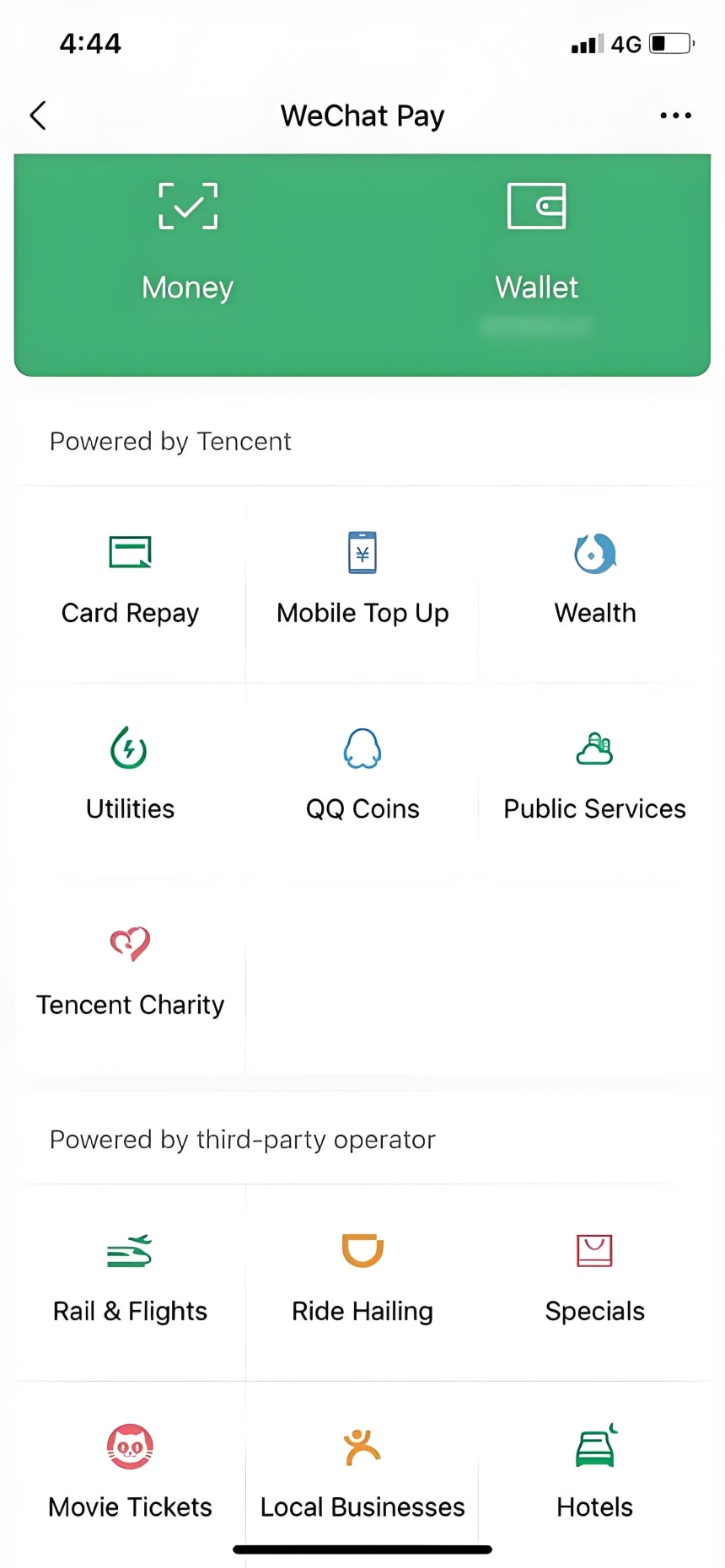
Which one should you choose?
Set up both if you can. Alipay is generally smoother for foreigners, while WeChat is essential if you want to use mini-programs for ordering food, booking attraction tickets, or hailing taxis. Having both also gives you a backup if one app has issues.
3. Understanding Fees and Limits
Transaction fees:
• Single transactions under 200 RMB (~$28 USD): FREE
• Single transactions over 200 RMB: 3% service fee
Spending limits (with identity verification):
| Platform | Single Transaction | Annual Limit |
|---|---|---|
| Alipay | $5,000 USD | $50,000 USD |
| WeChat Pay | $5,000 USD | $50,000 USD |
Without identity verification, limits are much lower: Alipay caps at about 15,000 RMB (~$2,000 USD) lifetime, and WeChat Pay caps at 65,000 RMB annually.
Important card restrictions:
• Foreign cards cannot be used for sending red packets (hongbao) or person-to-person transfers — they only work for merchant payments
• You can bind up to 5 foreign cards to Alipay
• Some issuing banks may refuse binding requests because their systems can't recognize the connection — contact your bank's customer service if this happens
• Name order matters — your last name and first name must match your passport's MRZ barcode area exactly, otherwise verification fails
- Cash: Still Legal, But Increasingly Impractical
1. Is cash still accepted?
Yes — legally, cash is the official currency and merchants cannot refuse it. However, in practice, cash usage has declined dramatically, especially in big cities like Beijing, Shanghai, and Shenzhen.

2. The reality of using cash in 2026:
• Many small vendors don't have change on hand
• Some merchants are reluctant to accept cash
• Ride-hailing apps like DiDi require in-app payment — cash can't be used
• Food delivery platforms require linked payment tools
• Attraction tickets are often QR-code based — paper tickets are largely phased out
3. Where cash still works:
• Formal restaurants
• Large supermarkets
• Hospitals
• Banks
• Small cities, rural areas, and traditional markets
4. How much cash to carry:
Carry 500–1,000 RMB in small bills as a backup. For 95% of daily scenarios, use mobile payment.
- Credit Cards: Limited Acceptance
1. Where can you use credit cards?
• High-end hotels (4-star and above)
• Large shopping centers
• Chain restaurants
• 4A-level scenic spots and above
• Merchants displaying Visa/Mastercard logos
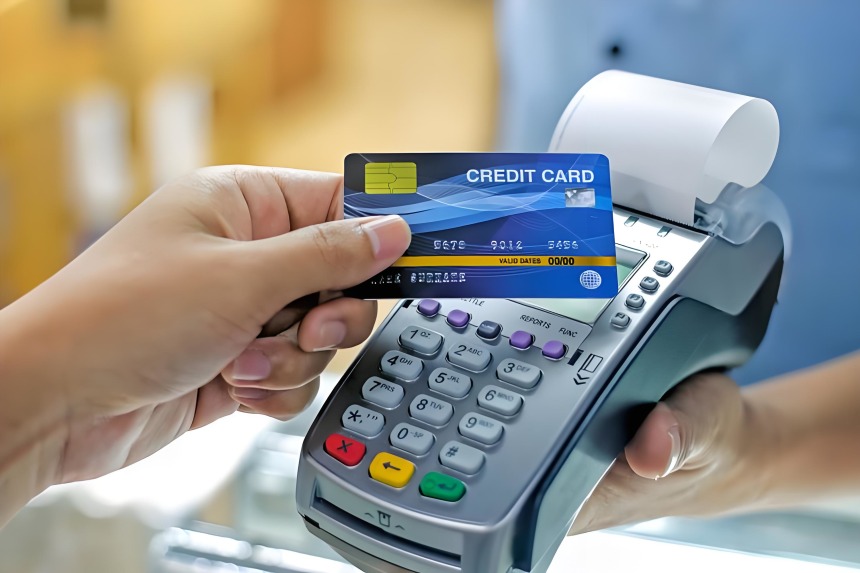
2. Where credit cards are NOT accepted:
• Most small shops and street vendors
• Local restaurants
• Taxis
• Everyday retail scenarios
3. Important note:
Apple Pay, Google Pay, and Amex are generally not accepted outside of high-end establishments. Even if a merchant has a POS machine, they may not know how to process international cards. Always have a backup payment method ready.
- e-CNY (Digital Yuan): The New Fee-Free Option
China's official central bank digital currency, e-CNY (Digital Yuan), is a growing alternative in 2026.
Advantages:
• Zero service fees — unlike Alipay and WeChat Pay, e-CNY charges no fees for transactions
• Supports "Anonymous Wallets" for short-term stays
• Works offline via NFC
How to set up:
Download the e-CNY app → Register with a foreign phone number → Top up via your international card.
- Currency Exchange: Where and How
1. Before you depart:
You can exchange currency to RMB before you leave and bring it into China. The limit is 20,000 RMB per person per entry.
2. After arrival — airports:
International airports have bank counters, currency exchange bureaus, and self-service exchange machines. Exchange rates at airports are typically 3%–10% worse than at city banks — exchanging $1,000 USD at the airport could cost you an extra $30–100.
3. After arrival — banks:
Bank branches offer better rates than airports. The Bank of China and ICBC generally offer the most favorable rates.
4. Using ATMs:
ATMs are widely available and generally accept Visa, Mastercard, and UnionPay cards. Major banks include Bank of China, ICBC, China Construction Bank, and Agricultural Bank of China.
Things to watch for:
• Foreign transaction fees may apply
• Local ATM withdrawal fees vary
• Notify your bank before you travel to avoid your card being blocked
• For larger amounts, visiting a bank branch is more reliable — bring your passport
- Payment Methods Compared
| Method | Acceptance | Best For | Limitations |
|---|---|---|---|
| Alipay | Nearly everywhere | Daily purchases, transport, shopping | 3?eabove 200 RMB; no P2P transfers with foreign cards |
| WeChat Pay | Nearly everywhere | Mini-programs, local experiences | Stricter verification; similar fee structure |
| Cash | Legally required but declining | Backup, rural areas, emergencies | Many vendors lack change; inconvenient in cities |
| Credit Card | Limited (high-end venues only) | Hotels, large malls, some attractions | Not accepted at most everyday merchants |
| e-CNY | Growing network | Fee-free transactions, offline use | Less widely accepted than Alipay/WeChat |
- Common Mistakes to Avoid
1. Relying on cash alone — you'll struggle with ride-hailing, food delivery, and many small vendors
2. Installing only one payment app — set up both Alipay and WeChat Pay for backup
3. Waiting until you arrive to set up — SMS verification can be delayed by international roaming. Set up everything before you depart
4. Forgetting to check your card's foreign transaction fees — some banks charge high fees for overseas purchases
5. Not carrying any cash backup — phone batteries die, networks fail, and some remote areas still prefer cash
6. Trying to use Google Pay or Apple Pay — they are rarely accepted in China
- Quick Setup Checklist Before You Depart
□ Download Alipay (International Version) and WeChat
□ Register both apps with your home phone number
□ Complete passport identity verification in both apps
□ Add your international Visa/Mastercard to both apps
□ Set and remember your 6-digit payment passwords
□ Test a small transaction if possible
□ Notify your bank that you'll be traveling to China
□ Exchange 500–1,000 RMB in small bills for backup
□ Download a translation app for communication at banks or exchange counters
Got more questions about your trip to China? Drop them below – I'm happy to help!

I'm Yuan, a local tour guide registered on tourHQ, based in Shanghai and covering the Yangtze River Delta region (including Suzhou, Hangzhou, Nanjing, and beyond). I don't just take you to the famous sights – I'll bring you to hidden alleyway eateries, share stories that never make it into guidebooks, and craft a journey that fits your pace and interests.
Ready to explore the real China with a local? Click on my profile now to learn more!
My profile: https://www.tourhq.com/guide/CN38750/yuan-shen
Let me help make your China trip truly unforgettable – see you soon!